GardenBinder Guides
Moving a Paper Garden Notebook Into an App (What to Carry Over)
Mea Cara · October 27, 2026 · 4 min read
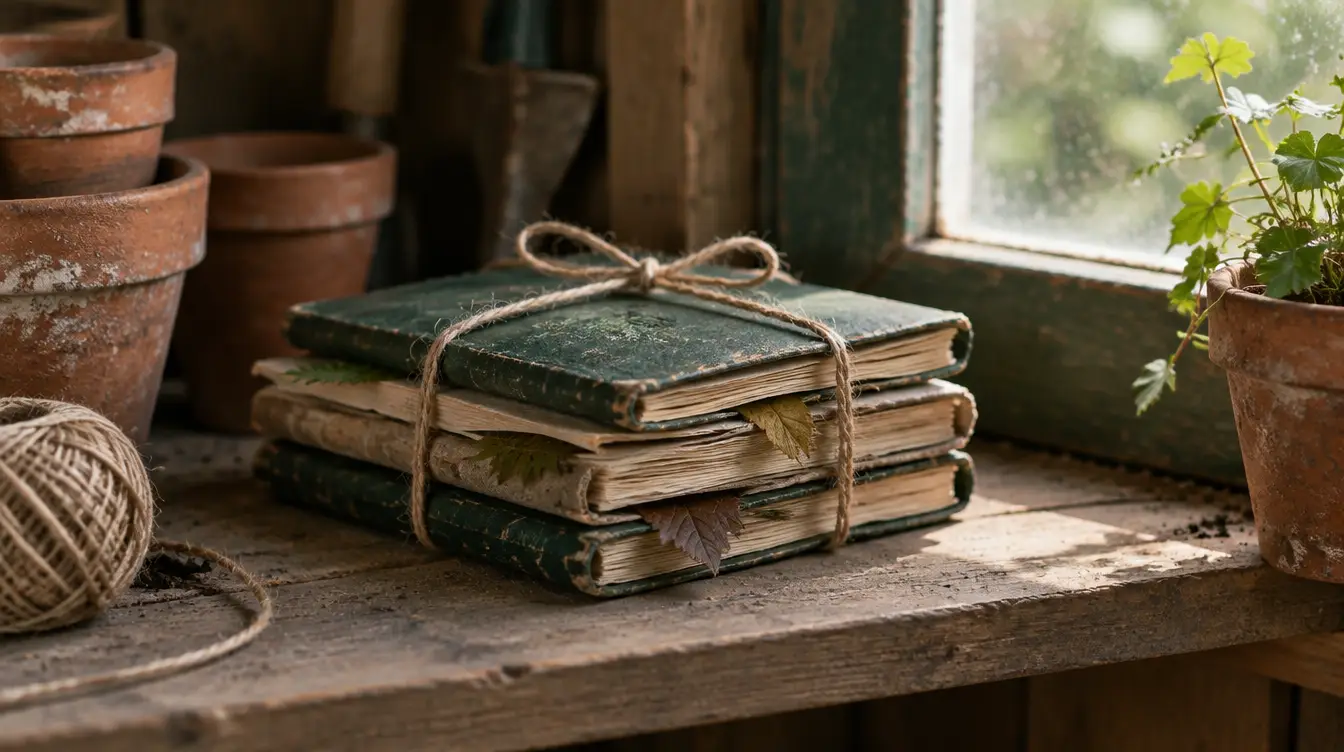
A paper garden notebook is a lovely object and a terrible database, and anyone who has kept one for a few years knows both things at once. The pressed leaf, the frost date circled in pencil, the sketch of the bed layout — those are the reasons to keep it. The fact that you cannot find the frost date from three years ago without turning every page is the reason you are reading this.
Moving to an app is not a transcription project. Please do not sit down to type the notebook in; you will stop on page nine and the app will get blamed. Instead, carry over the handful of things the notebook was actually for, and let the app start fresh from today.
What to carry over (and what not to)
Worth moving:
- Your plant list — what is in the garden right now, by name and variety.
- Your real frost dates, the last spring and first fall frost for each year you have. Two or three years of these are worth more than any average.
- Varieties that earned a verdict. "Sun Gold again, always." "Never that squash." Five lines like this save next winter's seed order.
- The bed layout, if you drew one. The map in GardenBinder is where it goes.
- Two or three photos per season that you would be sad to lose, if any were tucked in.
Leave on the shelf: daily weather, the running to-do lists, the entries about how you felt in March. They were useful the week you wrote them. The notebook keeps them safe.
Step by step
- Photograph the plant pages. Wherever your notebook lists what you planted — a page per bed, a list at the front, the plan for this year — take a clear photo of each page in good light. Handwriting is fine; the neater the better, but it does not need to be tidy.
- Open GardenBinder → Settings → Bring your garden in → Screenshots. It is called screenshots, but a photo of a page is a photo of a list, and the AI reads it the same way. Up to six photos go through in one batch. The first ten AI imports are free on the Free plan, one per batch.
- Review what it read. Each plant arrives as a draft with a kind, sun and water needs, and a starting care profile. Handwriting misreads happen; fix the names and untick anything from a year you no longer have. Nothing is saved until you confirm.
- If a page will not read — pencil, faded ink, your own shorthand — use the paste box instead. Type the names one per line, "Peas — north bed" style, and the AI does the rest. Even without AI the names come in and you fill in the details later.
- Set your frost dates. Weather tab → your location → the average last frost. Enter the real dates from your notebook as they were; the seed calendar and the seasonal planner are built from them.
- Draw the beds. Areas & Beds first, then the map if you want one. Then open each imported plant and put it where it lives.
What to check after the import
- Abbreviations. "Toms — BW ×6" is clear to you and a guess to the AI. Rename to "Tomato", variety "Brandywine", quantity six.
- Plants that read as two. A line break mid-name can split one plant into two drafts. Untick the extra.
- The verdicts. Put "never again" and "always" straight into the plant's notes, or into a journal entry dated to when you decided. They are the most valuable words in the notebook.
- Old photos. Add them to the plant they belong to, dated by the photo. Three per season is plenty.
Keep the notebook, change the habit
The notebook stays on the shelf; it is a book, and books keep. What changes is the habit of recording: a photo with two words, taken standing in the bed with dirt on your hands, instead of a paragraph you meant to write after dinner. GardenBinder's + button does that in a couple of taps, files the entry with the plant and the season, and in February it can be searched.
The tradeoff is real and worth thinking through — notebook versus app is not a foregone conclusion — and the six things worth recording are the same in either. If you decide on an app, the comparison is honest about the options. GardenBinder is free to start, and an afternoon with the notebook's best pages is all the migration there is.
#switching #import #garden journal #notebook #record keeping