GardenBinder Guides
Leaving Planta? Bring Your Plants With You
Mea Cara · October 6, 2026 · 4 min read
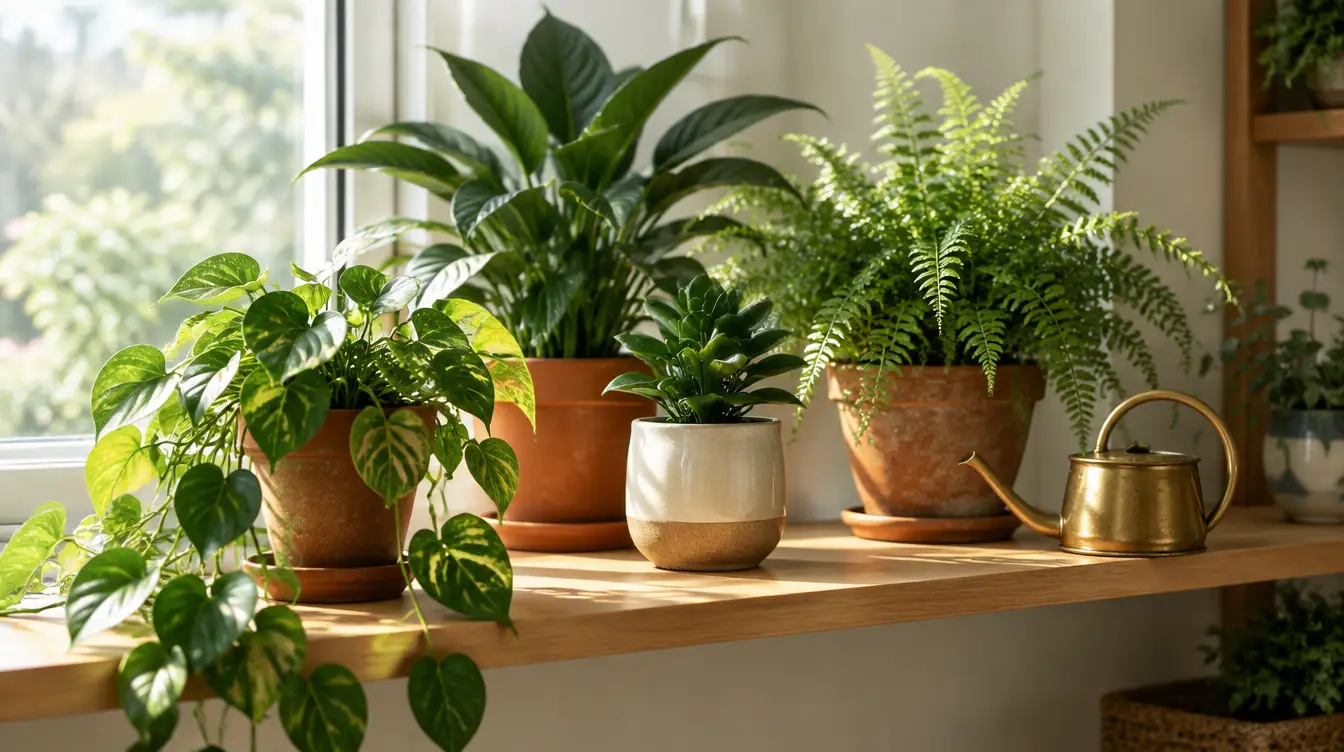
Planta earns its keep in a very specific way: it tells you when to water, and it keeps telling you until you do. For houseplants and a patio of pots that is genuinely useful, and the light meter is a clever touch. If it has kept a fiddle-leaf fig alive through a winter, it has done its job.
Where it thins out is the garden itself. A bed of perennials does not need a Tuesday reminder; it needs a record of what was planted where, what the season did to it, and what you decided about it afterwards. If you have found yourself wanting notes, photos by date, or any sense of last year, this is the guide for moving.
What Planta does well
Scheduling. Every plant gets a watering, feeding, and misting cadence adjusted by pot size, light, and the season. The reminders are persistent and the plant profiles are tidy. The premium tier adds plant identification and a doctor feature, both reasonable.
What it does not have is a place for the garden as a place. There are rooms and sites, but no beds, no map, no journal that runs across seasons, no harvest, no cost. The photo you took of the first bloom lives in your camera roll, not with the plant.
What you can and can't export
As of this writing, Planta offers no export of your plant list. We could not find one in the app or on its support pages, in the free tier or the paid one, and we would be glad to be corrected. What you have is the list on the screen: names, sometimes a nickname you gave the plant, the site it belongs to, and the care schedule Planta worked out for it.
The names are the part worth moving. The schedules you will rebuild in a few minutes, and probably better, because GardenBinder's care rhythms come from how you actually tend a plant rather than a formula.
Step by step
- Screenshot your plants, site by site. Open each site in Planta and screenshot the list, scrolling so every plant shows once. Note which screenshots belong to which site — you will use that in a minute.
- Open GardenBinder → Settings → Bring your garden in. Choose screenshots. GardenBinder reads up to six in a batch; a bigger collection goes through in two or three.
- Let the AI read the list. Each plant arrives as a draft with a kind, sun and water needs, and a short care profile. The first ten AI imports are free on the Free plan, one per batch.
- Review before saving. Fix any name that read oddly, untick anything you have thrown out, and keep an eye on the duplicate flags. Nothing is saved until you confirm.
- Recreate your sites as areas. Planta's "living room" and "balcony" become areas in GardenBinder; a raised bed becomes a bed inside an area. Open each imported plant and put it where it lives. This is the step that turns a list into a garden.
If you would rather not fiddle with screenshots, the pasted-list route works just as well: type the names one per line — "Monstera — living room" is enough — and the same AI fills in the rest.
What to check after the import
- Nicknames. Planta lets you name a plant "Gerald". The AI may import the species and drop Gerald. Add the nickname back; GardenBinder keeps both.
- Indoor plants. They import as "other" unless the screenshot said otherwise. That is fine for a houseplant, but set the kind on anything that is actually a shrub or a perennial so the seasonal features know what to do with it.
- Watering rhythm. Open Care and look at what GardenBinder proposed. Adjust the interval to what you really do — the schedule is yours, not a formula — and log a watering when it happens so the history starts today.
- Pot size and light readings do not transfer. If they matter to you, a line in the plant's notes keeps them.
What you gain on the other side
Reminders still exist — a single bundled push each morning, never one ping per plant — but they sit inside a record that remembers. Each plant builds a history: planted when, moved where, bloomed on which date, photographed how many times. The journal notices first blooms and anniversaries on its own. When a season ends, it hands you a recap in your own pictures.
If that sounds like more than you want, start smaller: import the names, and record the six things worth writing down as they happen. The apps comparison is honest about who each app suits, Planta included. GardenBinder is free to start, and the import fits in one cup of coffee.
#switching #import #planta #gardenbinder